Viral Swipe File
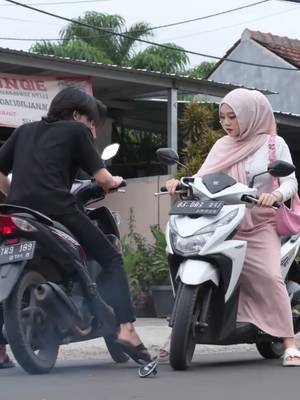

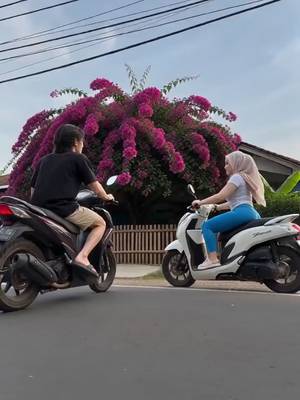
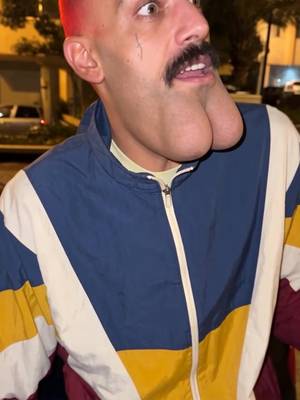
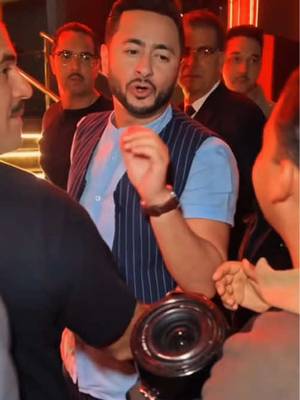
Bagaimana cara membuat video AI romantis tabrakan motor ini!
AI Photos & Videos · Live App Scroll, Creator face over in-app footage, Title + app screenshots slideshow
Why it beat its usual
21.0xthe views @fahmi.ai1 usually gets
256K views
- This video256K
- Usual views12K
- AI Photos & Videos medianbelow the median viral factor of the 738 AI Photos & Videos videos in the library (median 297x).
- Live App Scroll medianbelow the median viral factor of the 2,336 Live App Scroll videos in the library (median 206x).
- Creator face over in-app footage medianbelow the median viral factor of the 11,947 Creator face over in-app footage videos in the library (median 186x).
- Title + app screenshots slideshow medianbelow the median viral factor of the 1,344 Title + app screenshots slideshow videos in the library (median 142x).
- Views against the AI Photos & Videos nichebelow the median of the 738 AI Photos & Videos videos in the library (median 596,813).
- Engagement against the AI Photos & Videos niche1.6%, below the AI Photos & Videos median of 3.7%.
- Engagement
- 1.56%
How it's built
- Live App Scroll
- Creator face over in-app footage
- Title + app screenshots slideshow
- How to hook
- Screen Recording
- App Mockup
- Slideshow
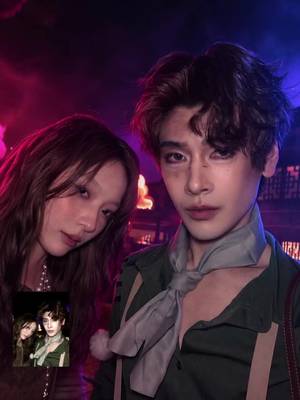
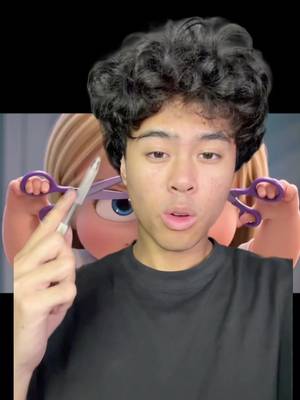
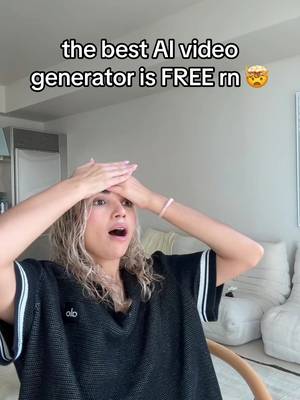
The hook promises to teach something useful, built to keep the viewer for the steps. Built as Screen Recording, App Mockup and Slideshow. A creator speaks as themselves, built to read like a post from someone the viewer follows. The tone is educational.
It is pitched at viewers who know solutions exist, so it names the kind of solution, not this one.
- Hook on screen
- “Bagaimana cara membuat video AI romantis tabrakan motor ini!”
- First words said
- “I’m gonna marry you, okay?”
What's said
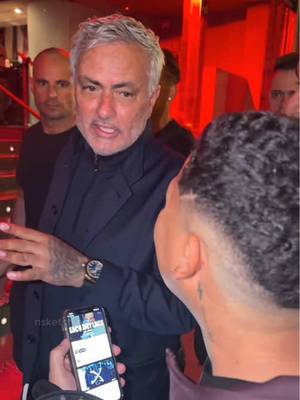
0:41 · IndonesianI’m gonna marry you, okay? Sorry, handsome. It wasn’t on purpose, handsome. If you want to marry me, then just marry me. If you’ve got the guts. I do. Do you want to or not? Of course I do. How could I not when you’re this handsome? Marry you first. Tap this little arrow and copy the video link.
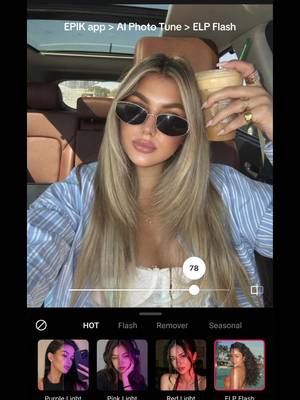
Then open PixVerse AI. If you don’t have this app, you’ll need to download it. Once it’s open, tap “Allow Paste.” Then the template will appear automatically. Next, upload and replace the two character photos one by one. Finally, tap “Create” and you’re done.
The words behind 21.0x its usual
Make your own
“Bagaimana cara membuat video AI romantis tabrakan motor ini!”
Same format: Live App Scroll
Highest viral factor first · All
 18Kx"como te salen tan bien las fotos con flash?"
 18KxGIRLS I GOT MY PERIOD!!!
 17KxAfter 12 years I learned you do Amazon completely wrong
 17KxFlirted so hard, this is how my boyfriend updates me 🤭🤭
 16KxMy FAVORITE cooking hack is this app 🙌🏼
 16KxStop guessing your macros
 15KxMOM: my phone is literally SAVING my grades!! 🤯
 15Kxupdate on the app i'm building with replit (and a sneak peek)
 14Kxnever using snap again.
 14KxWhy tf is Turkish so hard?
 13KxSTOP letting insta RUIN your horizontal pics
 13KxCrashing out because my alarm won't turn off until I take a photo of…
Same niche: AI Photos & Videos
Highest viral factor first · All
 87KxHow I created these pictures with the Grinch?! 🤩
 53Kxreacting to what our babies would look like
 52KxTODAS las fotos con este filtro quedan lindas
 47KxNo vuelvo a sacarme selfies normales después de descubrir este filtro
 43KxTutorial on how I created these pictures with The Grinch
 41Kxgoogle docs just added a new button... and it shows you've used…
 36Kxlow-pixel photography is blowing up
 34Kxel filtro lo es todooo😮💨😮💨
 13KxLe hice creer a mi mamá que había un tsunami
 13KxPranking my bf I met "some footballer" today
 12KxPosso morrer feliz se consegui uma foto como essa
 12KxTutorial Fotos del Grinch
About this video
21.0x: about 21.0 times the views @fahmi.ai1 usually gets. Viral factor divides a video's views by its account's usual views, so it measures how far the video beat its creator's normal reach, whatever the size of the account. 1.6% engagement rate. 2,775 likes, 65 comments, 592 shares, 577 saves. Filed under AI Photos & Videos, Live App Scroll, Creator face over in-app footage and Title + app screenshots slideshow.