Viral Swipe File
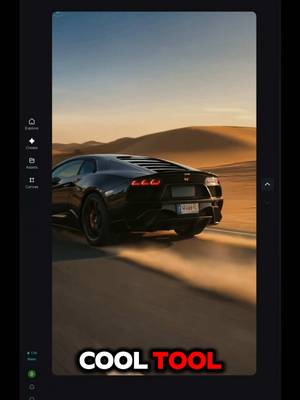

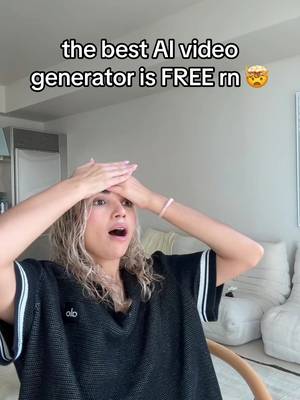
This is the easiest way for you to create a faceless channel in under 1 minute.
AI Photos & Videos · Step-by-Step Tutorial, Creator face over in-app footage
Why it beat its usual
7.94xthe views @onicanadausa1 usually gets
198K views
- This video198K
- Usual views24K
- AI Photos & Videos medianbelow the median viral factor of the 738 AI Photos & Videos videos in the library (median 297x).
- Step-by-Step Tutorial medianbelow the median viral factor of the 682 Step-by-Step Tutorial videos in the library (median 108x).
- Creator face over in-app footage medianbelow the median viral factor of the 11,947 Creator face over in-app footage videos in the library (median 186x).
- Views against the AI Photos & Videos nichebelow the median of the 738 AI Photos & Videos videos in the library (median 596,813).
- Engagement against the AI Photos & Videos niche8.5%, above the AI Photos & Videos median of 3.7%.
- Engagement
- 8.53%
How it's built
- Step-by-Step Tutorial
- Creator face over in-app footage
- How to hook
- Screen Recording
- App Mockup
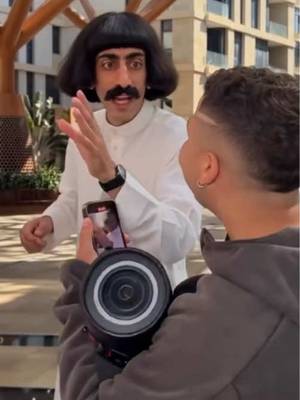
The hook promises to teach something useful, built to keep the viewer for the steps. Built as Screen Recording and App Mockup. A creator speaks as themselves, built to read like a post from someone the viewer follows. It presses on curiosity: wanting to know what happens or how. The tone is educational.
It is pitched at viewers who know solutions exist, so it names the kind of solution, not this one.
- Hook on screen
- “This is the easiest way for you to create a faceless channel in under 1 minute.”
- First words said
- “Guys this is the easiest way for you to create a fitless channel in under 1 minute.”
What's said
0:51 · EnglishGuys this is the easiest way for you to create a fitless channel in under 1 minute. First head over to Google and search for Jimin or CapCut dot com. Once you in head over to E a image. You then gonna put in your well detailed text prompt for the image you wanna generate.
Depending on the niche it then select the image model and aspect ratio and a few seconds Juliana will generate up to 4 variations for I mean I want to generate a faceless channel on cars and Juliana did this for me. I selected my favourite ops, killed it, then I saved it to my device. You then head back to the home page, select a. I video, then you upload your image, put in your well detected and select the video model aspect ratio and then you select the duration of the video you want and a few seconds from now do this.
Stunning right? And I mean this is a very cool tool for anyone that wants to go into faceless channel. And I mean it's a must have tool for college students. Comment dreamina if you want to receive my prompts. Check it out today!
The words behind 7.94x its usual
Make your own
“This is the easiest way for you to create a faceless channel in under 1 minute.”
Same format: Step-by-Step Tutorial
Highest viral factor first · All
 373KxHere's how to have the best summer.
 107KxThis is the BEST summer idea!!!
 43KxTutorial on how I created these pictures with The Grinch
 17Kxhow do I make an acorn squash easier to cut
 16KxMy FAVORITE cooking hack is this app 🙌🏼
 16KxPlease don't make the same mistake I did.
 15KxThis Tumeric All In One Is shockingly good🙌🏾
 14KxDon't they use this for corn?
 7,589xHow to make $5k a month using AI
 7,216xDrawer slipping out or getting stuck
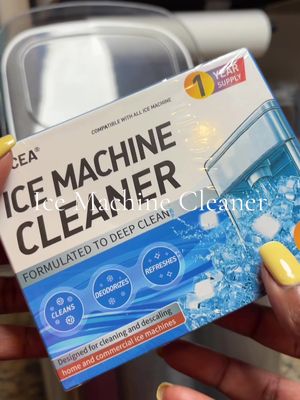 6,216xDo you know what grows in your Ice Machine?
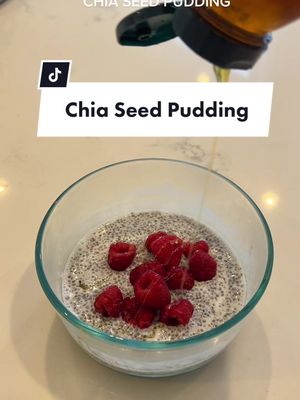 5,130xKim Kardashian's Chia Seed Pudding
Same niche: AI Photos & Videos
Highest viral factor first · All
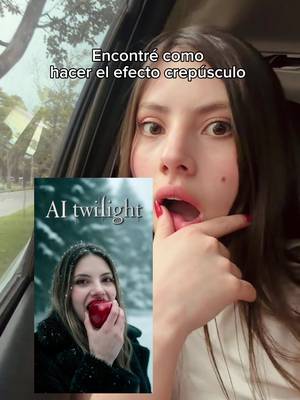 21KxEncontré cómo hacer el efecto crepúsculo
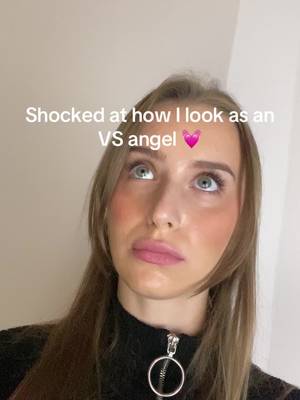 21KxShocked at how I look as an VS angel
 21KxNo necesitas sacarte fotos cuando existe la ia
 20KxPov: ya no te sacas fotos porque la IA da mejores resultados
 20KxTu tan Barbie y yo tan WEDNESDAY
 18KxI can't believe this is AI
 17Kxliteral esta app parece que cualquier foto parezca sacada con camara…
 17KxMe diciendo que todas estas fotos las hizo la IA??
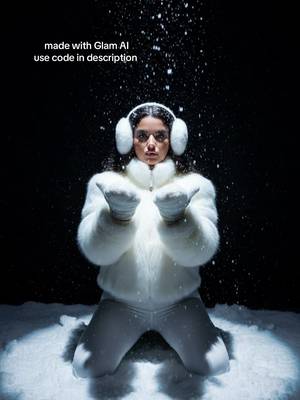 17KxDon't have cute winter pics? Not feeling photogenic? Try this!
 16Kxi can die happy if i get a picture like THIS.
 15KxMe & my Christmas menace
 15KxWhen the moon comes out.
About this video
7.94x: about 7.94 times the views @onicanadausa1 usually gets. Viral factor divides a video's views by its account's usual views, so it measures how far the video beat its creator's normal reach, whatever the size of the account. 8.5% engagement rate. 16,085 likes, 10 comments, 476 shares, 354 saves. Filed under AI Photos & Videos, Step-by-Step Tutorial and Creator face over in-app footage.