 Viral Swipe File


Editing changes everything.
Creative Tools · Step-by-Step Tutorial, Creator face over in-app footage
Why it beat its usual
90.3xthe views @btbshotit usually gets
91K views
- This video91K
- Usual views1K
- Creative Tools median3.1× the median viral factor of the 1,386 Creative Tools videos in the library (median 28.8x).
- Step-by-Step Tutorial medianbelow the median viral factor of the 709 Step-by-Step Tutorial videos in the library (median 102x).
- Creator face over in-app footage medianbelow the median viral factor of the 11,953 Creator face over in-app footage videos in the library (median 186x).
- Views against the Creative Tools nichebelow the median of the 1,386 Creative Tools videos in the library (median 448,303).
- Engagement against the Creative Tools niche0.8%, below the Creative Tools median of 4.1%.
- Engagement
- 0.79%
How it's built
- Step-by-Step Tutorial
- Creator face over in-app footage
- How to hook
- Screen Recording
- App Mockup
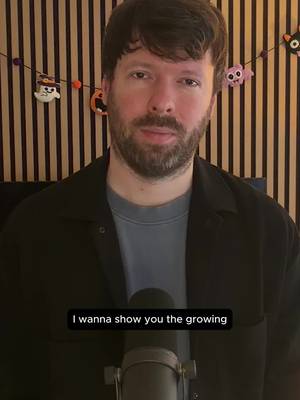
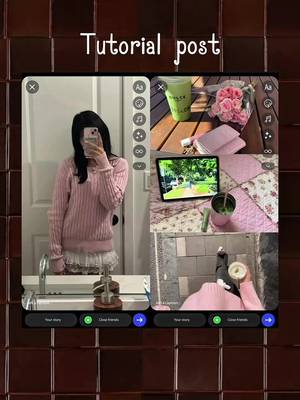
The hook promises to teach something useful, built to keep the viewer for the steps. Built as Screen Recording and App Mockup. A creator speaks as themselves, built to read like a post from someone the viewer follows. It presses on curiosity: wanting to know what happens or how. The tone is educational.
It is pitched at viewers who know solutions exist, so it names the kind of solution, not this one.
- Hook on screen
- “Editing changes everything.”
What's said
0:26 · EnglishEditing changes everything. Here's how to take your videos to the next level without editing for hours. Raw clips feel slow because of pauses and dead space, but here's how to fix it! Open the captions app and import your clip. Select AI edit and pick the style that matches your vibe.
I like the prime style. Watch how the pacing gets tighter, that space is gone and it feels like a viral video. I also love to add captions to all my videos like this one. AI edits them automatically for you. And pro tip add one word per line to keep the viewers way more engaged. So download the captions app, give it a try, and let me know what you think.
The words behind 90.3x its usual
Make your own
“Editing changes everything.”
Same format: Step-by-Step Tutorial
Highest viral factor first · All
 373KxHere's how to have the best summer.
 107KxThis is the BEST summer idea!!!
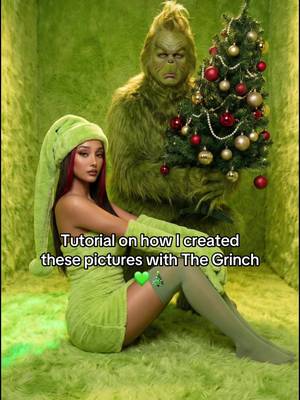 43KxTutorial on how I created these pictures with The Grinch
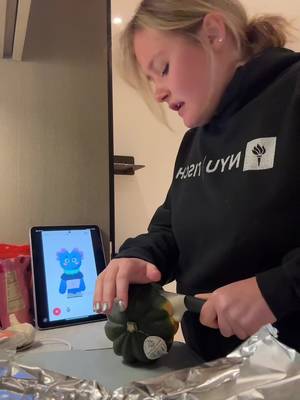 17Kxhow do I make an acorn squash easier to cut
 16KxMy FAVORITE cooking hack is this app 🙌🏼
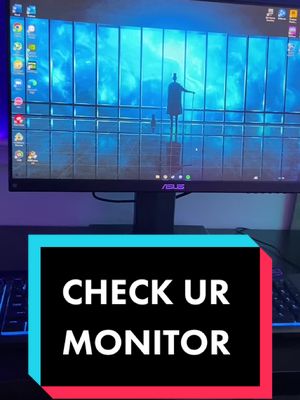 16KxPlease don't make the same mistake I did.
 15KxThis Tumeric All In One Is shockingly good🙌🏾
 14KxDon't they use this for corn?
 7,589xHow to make $5k a month using AI
 7,216xDrawer slipping out or getting stuck
 6,216xDo you know what grows in your Ice Machine?
 5,130xKim Kardashian's Chia Seed Pudding
Same niche: Creative Tools
Highest viral factor first · All
 44KxSi tú también quieres ser #merlina usa mi código POPIA en @Glam AI…
 37Kxtutorial for photos like this
 27KxMe in my room taking random low quality selfies:
 18Kx"como te salen tan bien las fotos con flash?"
 18Kxestas fotos las saque YO???
 18KxIphone 15 😅😂
 18KxNo sabia que las que hacemos crochet teníamos una app para nosotras
 17Kxus and our fav digicam app
 17KxFirst rule of IG: NEVER waste good photos like this
 15Kxupdate on the app i'm building with replit (and a sneak peek)
 14KxAN ALLE, DIE WIEDER IN DIE SCHULE STARTEN!!!
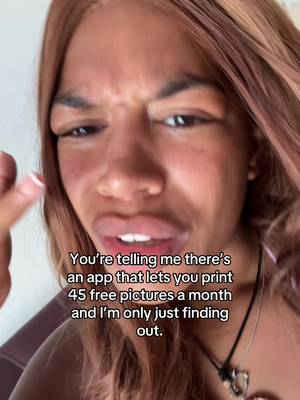 12KxYou're telling me there's an app that lets you print 45 free…
About this video
90.3x: about 90.3 times the views @btbshotit usually gets. Viral factor divides a video's views by its account's usual views, so it measures how far the video beat its creator's normal reach, whatever the size of the account. 0.8% engagement rate. 485 likes, 14 comments, 20 shares, 203 saves. Filed under Creative Tools, Step-by-Step Tutorial and Creator face over in-app footage.